|
|
本帖最后由 nat.ee 于 2021-7-30 23:37 编辑
Readme
ISO:
Use MSDN original image production
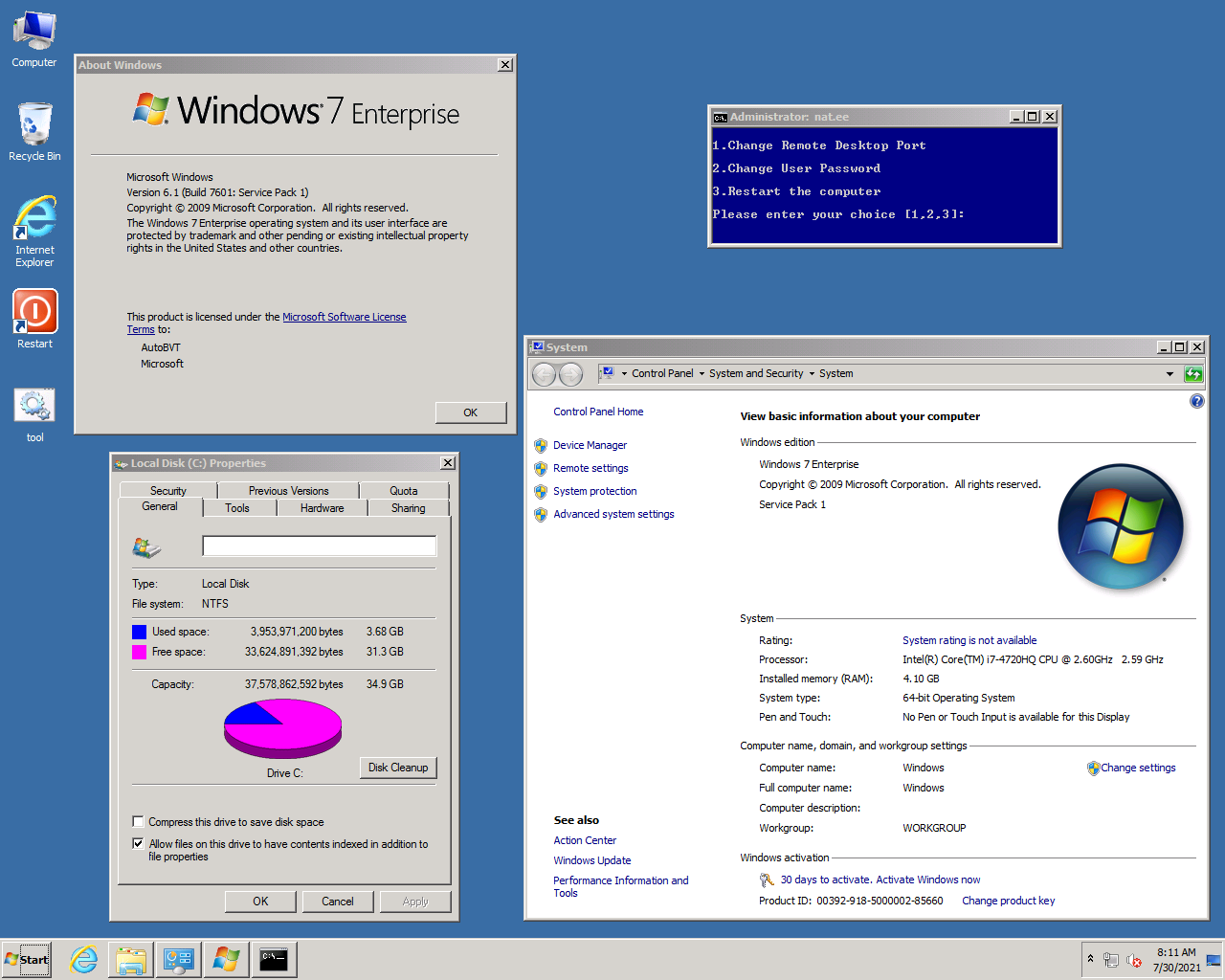
Windows 7 Enterprise with Service Pack 1 (x64) - DVD (English)
en_windows_7_enterprise_with_sp1_x64_dvd_u_677651.iso
SHA1: A491F985DCCFB5863F31B728DDDBEDB2FF4DF8D1
-----------------------------------------------
DDfile: win7-sp1-ent-x64-us.vhd.gz
size: (1.26G) 1363867942 byte
MD5: 9832F814FE618407C96A0881B80FD928
SHA1: F3DCF04ABCFBABCAE10470AFA98637C9B2BA06C9
CRC32: 606E92A6
Account: Administrator
password: nat.ee
support: During deployment and installation, the hard disk is automatically expanded.
default: Unattended, automatic installation.
default: Enable remote desktop, port: 3389
-----------------------------------------------
DDfile: win7-sp1-ent-x64-us-efi.vhd.gz
Note: This package only supports VPS launched by Uefi, for example Oracle Cloud
size: (1.27G)1373200098 byte
MD5: B0AFC0525F58122FDA2514426BA3B30F
SHA1: 8161BC0733ABD0B81F736FDEA6C012DD8038541F
CRC32: B85126B5
Account: Administrator
password: nat.ee
EFI partition allocation: 300MB
support: During deployment and installation, the hard disk is automatically expanded.
default: Unattended, automatic installation.
default: Enable remote desktop, port: 3389
-----------------------------------------------
ISOfile: win7-sp1-ent-x64-us.iso
size: (1.29G)1389297664 byte
MD5: 70340B54E1C22F68F3E2AC3E056DCE8E
SHA1: 03D9EA7A7334473E7A7158C887049A9CB9AB75E6
CRC32: CDD59239
Account: Administrator
password: null
support: To start the installation of Uefi, you need to turn off the secure boot in Bios.
default: Administrator Account null password is automatically logged in.
default: Unattended, automatic installation.
default: Disable remote desktop
-----------------------------------------------
Download link: http://d.nat.ee/?win/lite/win7-sp1-ent-x64-us
update:
Vulnerability patches are updated to January 2020, cumulative important updates
The minimum requirements of the system:
CPU => 1 core
RAM => 512M
Storage => 5G
System recommended configuration:
CPU => 2 core
RAM => 2G
Storage => 15G
Change:
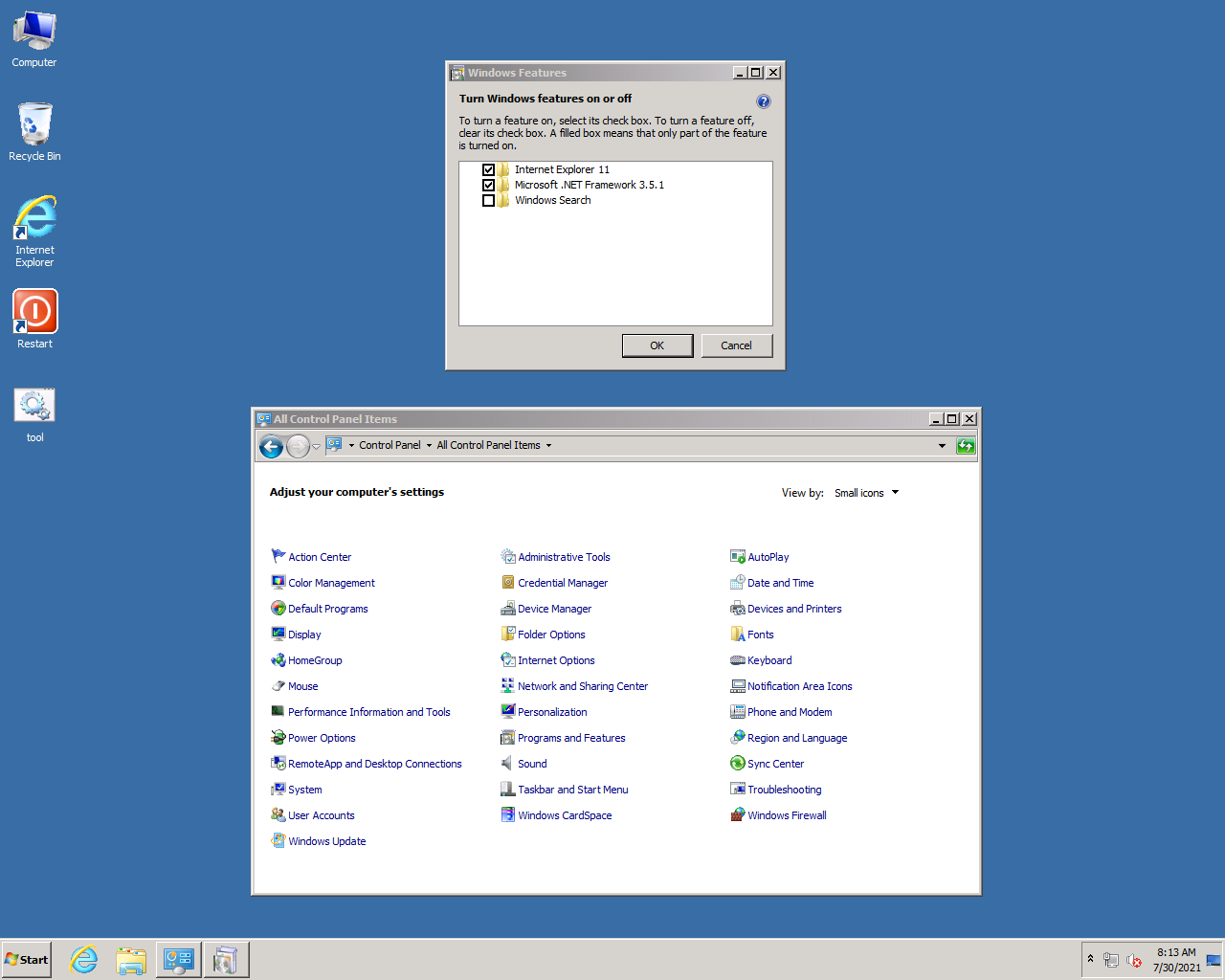
Keep the .NET (2-3-3.5) environment, you can install to a higher version by yourself!
Keep Wifi
Firewall Enable PING, disable TCP/UDP high-risk ports:135 137 138 139 445
support KVM/XEN/Hyper-V Virtualization
support Uefi/NVMe/USB3.0
update to IE11
update support RDP8.1 Remote desktop, you can use UDP mode to connect.
Deep streamlining of functional components/registry optimization/group policy optimization/service optimization
support: AWS Cloud/Google Cloud/Microsoft Azure Cloud/Oracle Cloud
After the system file is expanded, 3.68G of storage is occupied
(Virtual memory is enabled by default. It is actually larger than this 3.68g and is occupied by virtual memory files)
Concise new installation of lite requires KMS/KEY activation
KMS activation:
Run the CMD command window as an administrator
input1: slmgr /skms KMS server address
input2: slmgr /ato
This version is deeply streamlined, and functional components and system updates are available.
Note: When entering for the first time, please use the tool.cmd script to modify the remote desktop port and account and password
tool.cmd Modify remote desktop and desktop and password.
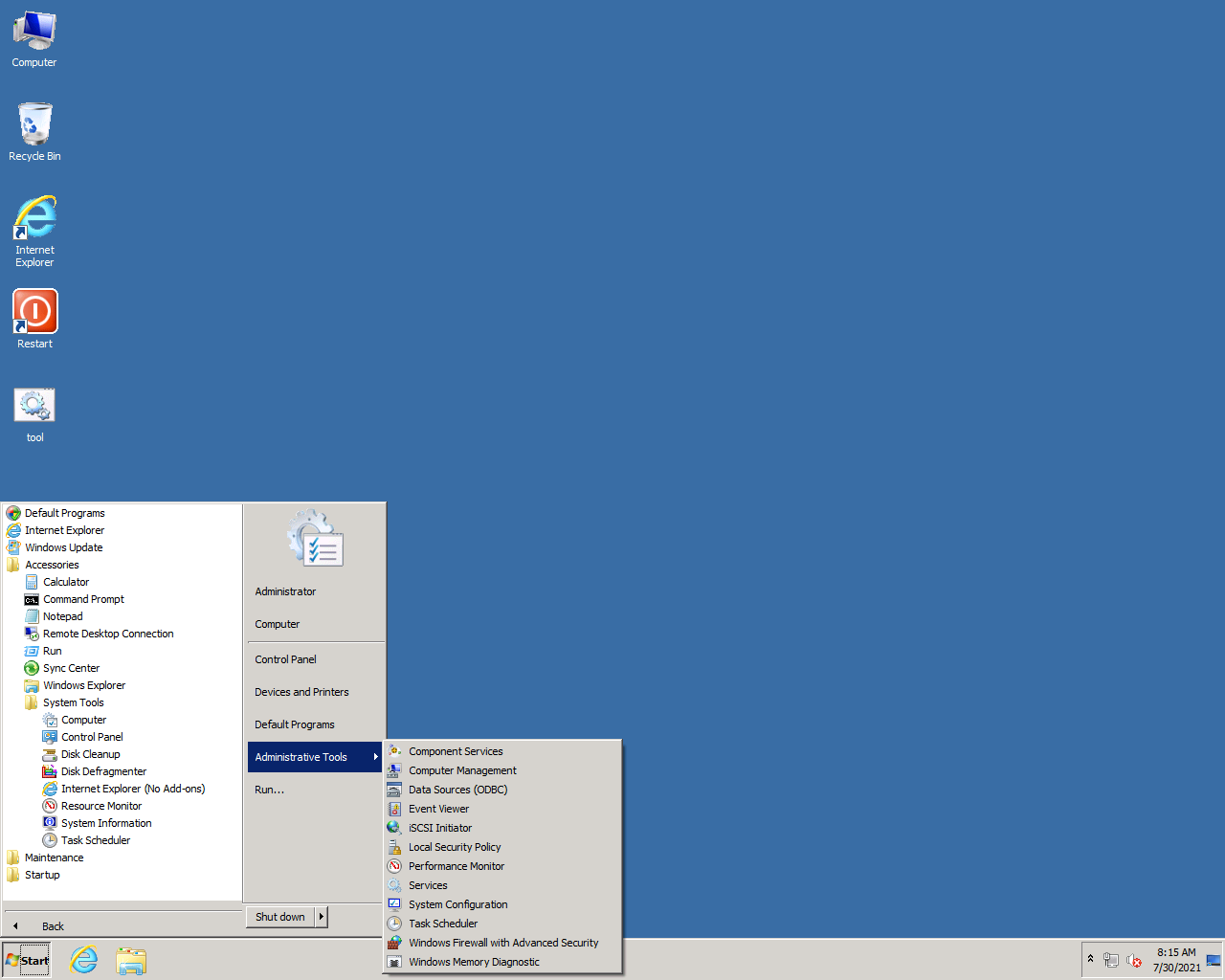
Restart button Since the restart function of the start menu cannot be used in the remote desktop, an effective improvement is added.
The DD package comes with nat.cmd in the root directory of the system disk, which is used to set a static IP gateway for the VPS server.
Regarding remote desktop RDP8.1, your local system must support rdp8.0 or higher to make the connection smoother.
Early XP 2003 2008 Win7 is not supported, Win8 Win10 and above are the default.
As for Win7 sp1, you can fix the patch support to rdp8.1.
statement:
If there is a poison report, please don't use it!
Any form of publishing/reprinting/modification, please keep this article!
It can be modified again for private use, and it is forbidden to modify it again and post it to the Internet for sharing.
荣耀&make
website: nat.ee
TG group: https://t.me/nat_ee |
|




 发表于 2021-7-30 23:28:35
 楼主
楼主
